Upload a photo
Choose one clear, fully clothed baby photo with room around the arms and feet. Confirm that you are the guardian or have their permission.
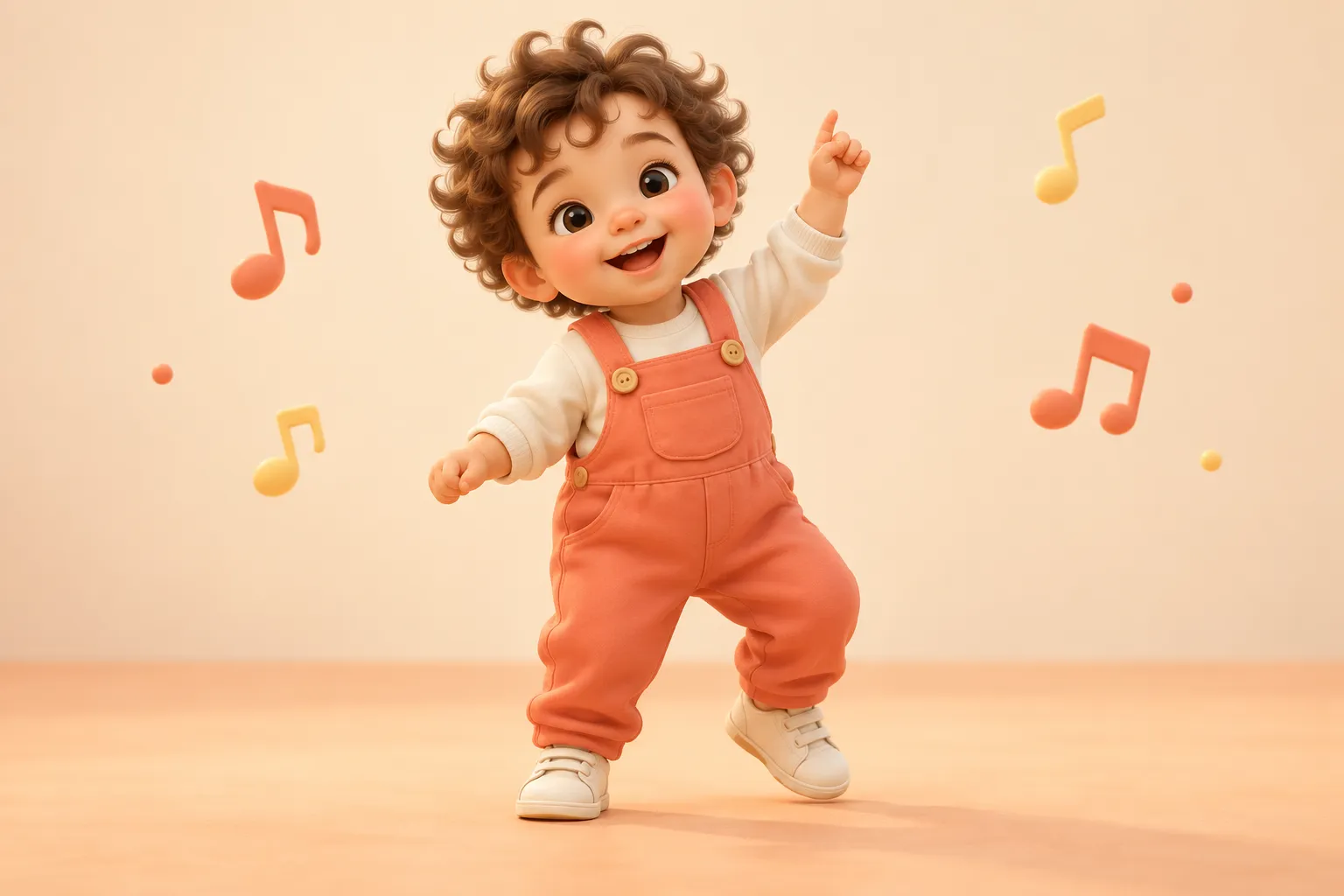
A favorite photo. A tiny happy dance. Turn your baby’s picture into a playful 15-second video, with simple dance styles and no timeline to edit.
01 / Upload your photo
A clear, well-lit photo works best. Photo tips
One clear photo. Keep the face and whole body visible.
Some photos deserve a little movement. Our AI baby dance video generator starts with a picture you already love and imagines a gentle dance around it. The photo guides the face, outfit and setting; a dance template guides the movement. The result is an AI animation, not a recording of your child or a prediction of how they will move. You do not need to film a dance, edit keyframes or replace a face on an adult body.
Send a cheerful hello to grandparents, make a playful birthday greeting, or add a lighthearted moment to a family album. A short dancing baby video also fits a vertical social post when you choose to share it. Start with a simple photo and one dance style so you can judge the result before trying another. Keep identifying details, other children and private locations out of pictures you plan to publish.
Use a clear, fully clothed, single-subject photo with room around the arms and feet. Soft daylight and an uncluttered background help the model understand the body. A seated or tightly cropped portrait may produce less reliable movement than a full-body photo. AI can change small details, especially hands and facial expressions, so review the whole clip before downloading or sharing. Choose a gentler template if the first result feels too busy.
Choose Happy bounce for a simple greeting, Tiny shuffle for a little side-to-side movement, Disco groove for a playful party mood or Happy twirl for a celebration. These are original motion prompts rather than exact reproductions of a viral dance. The studio shows the credit cost before generation. The default soundtrack is added automatically after generation. Review the finished clip before sharing it, and use your own editor if you want to change the sound later.
A little everyday joy
Use this templateSmall steps, big personality
Use this templateBring the living-room party
Use this templateA sweet celebration
Use this templateOriginal motion recipes, not generated video previews or a verified viral ranking. Select a card to try its preset with your photo.
Choose one clear, fully clothed baby photo with room around the arms and feet. Confirm that you are the guardian or have their permission.
Pick an original motion preset and quality. The default soundtrack is included automatically. The studio shows the exact credit cost before you generate.
Buy credits if needed, then link your purchase to an account. Review the entire animation, download it and share it with the people you choose.
Choose this tool for a person or illustrated character. Its photo-to-dance workflow focuses on full-body framing and motion without a baby-specific setup.
Use this page for baby-specific photo selection, keepsake ideas and review tips. It helps you choose a gentle movement for the picture you already have.
Choose this tool for a dog or cat. Its instructions ask the model to retain the animal’s species, fur and markings while creating playful stylized motion.
Choose Kling for a 5- or 10-second image-to-video interpretation. Upload a JPG or PNG and use the model’s native output; choose the main studio for selectable resolution and 15 seconds.
Start here if your photo needs a portrait crop or brightness adjustment. Basic edits and 720p export are free; any purchased credit pack unlocks HD export after account linking.
Read the walkthrough if you want guidance from photo preparation through payment, generation, review and sharing. Return to the studio when your inputs are ready.
Use a favorite picture without recording a performance or learning a timeline editor. A clear original gives the model a useful starting point.
Compare a bounce, shuffle, disco groove and quarter-turn. Each preset describes a playful motion instead of copying a fixed performance.
The main studio requests vertical 9:16 video. Check the face, hands and feet before deciding whether to share the finished clip.
Select 480p, 720p, 1080p or 4K for the standard 15-second workflow. Higher resolution changes the price, not the certainty of the result.
Buy a one-time pack without signing in. Register after payment to link the browser purchase, keep your credits and begin generating.
Your account keeps submitted jobs available while they process. Reopen My videos to check status and download completed clips.
Turn an everyday photo into a short, cheerful greeting. Download the clip and send it privately to the family members you choose.
Use a party-style preset, then add a greeting and permitted music in your editor. Keep names or dates out of public versions when appropriate.
Save the animation alongside the original picture. Label it as AI-created so it stays distinct from real family footage.
Celebrate a month or an occasion with an imagined shuffle. Do not present generated movement as a real developmental achievement.
Choose an existing photo in ordinary, fully clothed attire and a gentle wave. Add seasonal wording after generation for precise spelling.
Review the entire clip, choose your audience and disclose AI generation. Only publish a child’s image with guardian permission and permitted audio.
Standard 15-second clips start at 100 credits at 480p. Buy without signing in, then register after payment to link your credits. Any pack unlocks HD photo export. Video generation requires the linked account.
Pay without signing in. After payment, create an account or sign in to save your credits. Keep this browser’s site data until your purchase is linked.
It animates a baby photo using a motion description. The source guides the appearance and the preset guides the movement. The result is an AI interpretation, not real footage of a child dancing; details can change.
Upload one photo, choose a template and quality, confirm permission and review the cost. You can buy credits without an account, then register or sign in to link the purchase. Submit the job and review the whole clip before downloading.
Choose a sharp, fully clothed single subject with visible arms and feet and a simple background. The main studio accepts JPG, PNG and WebP up to 10 MB, with 301–5,999 pixels on each side and an aspect ratio between 0.4 and 2.5. Kling uses JPG or PNG.
Templates, basic image editing and 720p photo export are free. Video rendering uses paid credits: a standard 15-second 480p video costs 100 credits. One-time packs fund rendering without a subscription. Any purchased pack also unlocks HD photo export once linked to an account.
The local image editor adds no watermark. The video workflow does not add a site watermark, but a model can produce unwanted text or marks. We do not offer a watermark-removal tool or guarantee that every generated frame is mark-free. Review the result before use.
The main studio creates 15-second clips with Happy bounce, Tiny shuffle, Disco groove or Happy twirl. The separate Kling workflow offers 5 or 10 seconds. Templates describe movement rather than reproduce exact choreography.
Your video includes the default soundtrack automatically. You can also add a platform sound after downloading. Review the video, disclose AI generation and follow the platform’s current rules and music licenses. Automatic beat matching is not included.
A credit purchase pays for rendering, not rights to a person’s likeness, a song or a protected character. Commercial use depends on your source permissions, applicable model terms and the destination’s rules. Obtain permission before using a child’s image in promotional material.
Local editor adjustments stay in your browser. Video generation uploads your chosen photo and makes it available to the provider for processing. You must be the parent or guardian, or have guardian permission, and confirm that the content is appropriate. See the Privacy Policy for storage and deletion information.
Check My videos for the current task status; processing time depends on the provider queue. Technical failures release reserved credits. If a completed video changes the face, hands or outfit, try a clearer full-body photo or a gentler preset. Completed results can contain imperfections and still use credits.
People searching for baby boogie AI, baby boo dance AI, a dancing baby maker or an AI baby dance generator often want the same starting point: a photo turned into playful motion. You can make that kind of clip here. These search phrases do not imply affiliation with another product or identical model output.
The template library lists the presets currently available on this site and explains when to use each one. They are original styles, not a verified chart of viral dances. Use social trends as inspiration while checking rights to any music or reference footage you plan to reuse.